
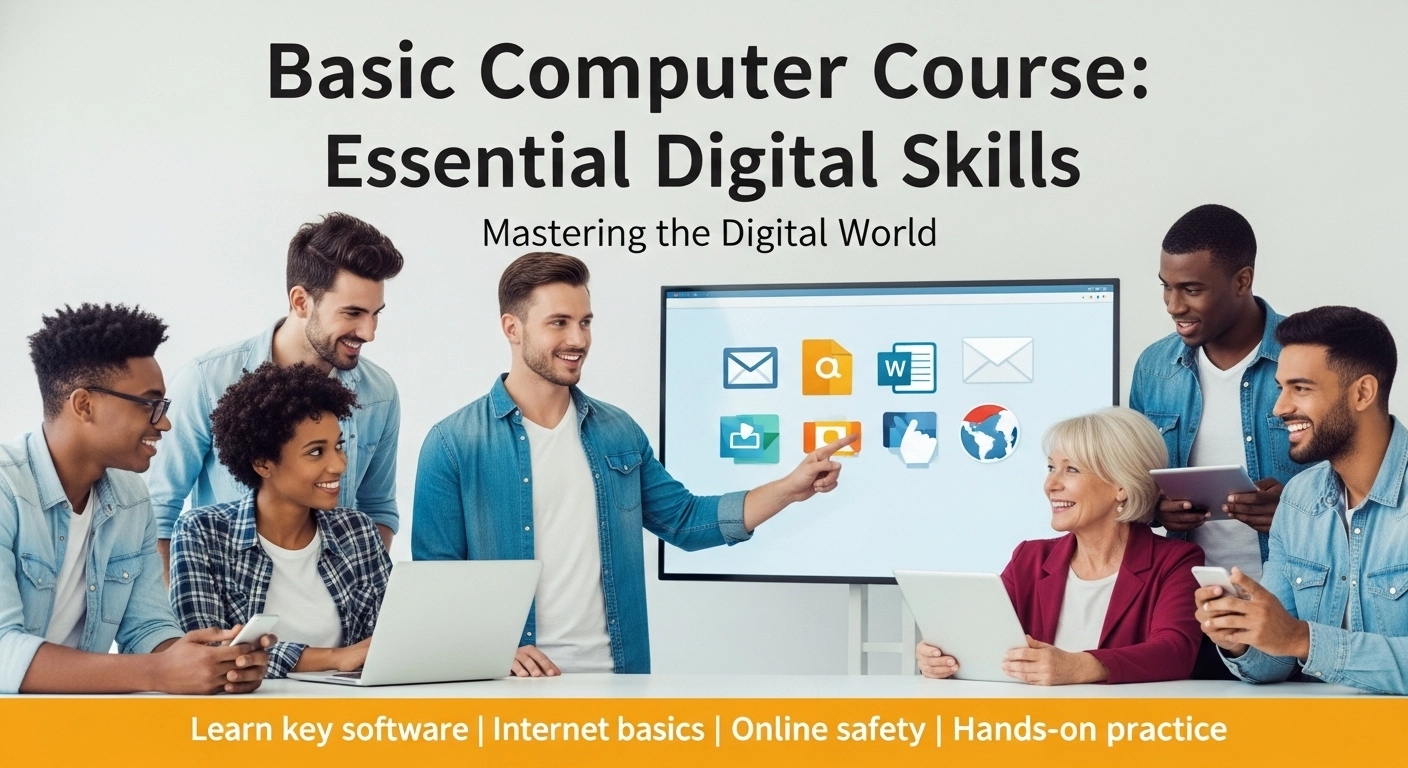
Empower yourself with the fundamental skills required for the modern digital age. Whether you are a student, a job seeker, or someone looking to enhance their daily efficiency, our Basic Computer Course provides the perfect starting point to navigate technology with confidence.
Course Overview
The objective of this course is to transform beginners into competent computer users. We provide a hands-on learning experience that covers everything from physical hardware to essential software applications. By the end of this month-long program, you will be able to handle professional documentation, data management, and online communication independently.
What You’ll Learn
Our curriculum is designed to be practical and easy to follow, ensuring you master the tools used in every office environment:
- Computer Fundamentals: A clear introduction to how computers work, including hardware components and software navigation.
- Microsoft Office Suite: Intensive training on MS Word (document creation), MS Excel (spreadsheets and basic math), and MS PowerPoint (professional presentations).
- Digital Communication: Mastering internet browsing, safe searching, and professional email etiquette.
- Typing Mastery: Systematic drills to improve your typing speed and accuracy are a vital skill for any professional role.
- Data Organisation: Professional file management techniques to keep your digital work structured and easy to find.
- Modern Online Tools: An introduction to essential cloud-based tools and collaborative platforms used in today’s workplace.
Course Structure & Fees
- Duration: 1 Month
- Course Fee: 10,000 BDT
Entry Requirements
- Target Audience: Absolute beginners, senior citizens, or students who want to formalise their digital skills.
- Prerequisites: None. We start from the very beginning.
Special Support & Features
- Hands-on Practice: Every lesson includes practical exercises on individual workstations.
- Typing Acceleration: Dedicated software and guidance to help you transition from slow hunt-and-peck typing to fluid keyboard use.
- Real-World Projects: Learn by doing—create a resume, build a budget sheet, and design a presentation during the course.
- Digital Literacy Tips: Essential advice on cybersecurity, password safety, and protecting your data online.
Assessment & Success
- Skill Checklists: Weekly practical tests to ensure you have mastered each software module.
- Achievement: Completion of this course provides you with the digital literacy and technical confidence required for entry-level office positions and academic success.
Course Features
- Lecture 0
- Quiz 0
- Duration 10 weeks
- Skill level Intermediate
- Language English
- Students 39
- Assessments Yes